Does it need admin rights or privacy permissions?
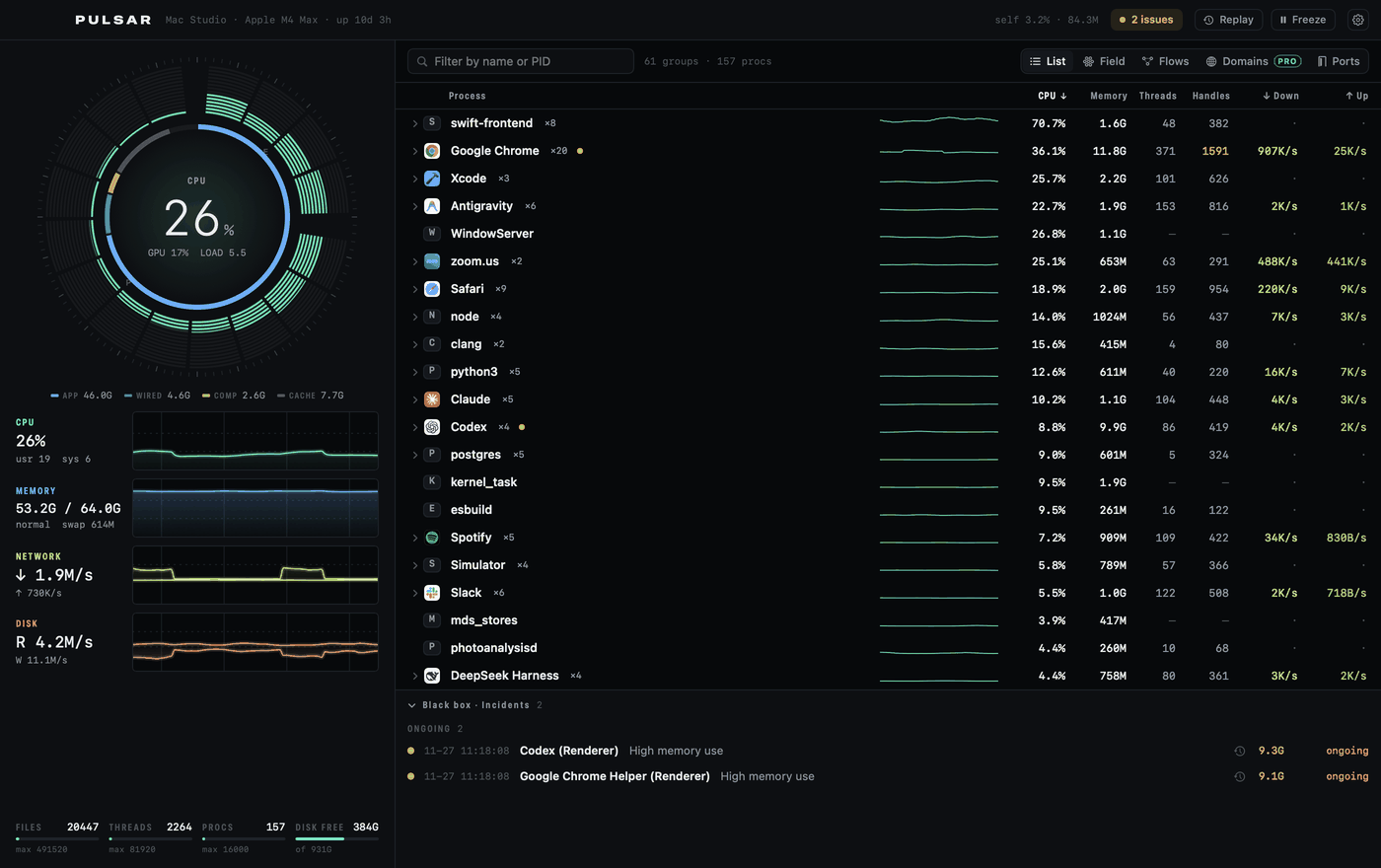
Neither. Every reading comes from interfaces and command-line tools that ship with macOS. The trade-off: for system processes such as WindowServer you get CPU and memory, but not thread or handle counts.
Where does my data go?
Process and incident records stay on your Mac and are not uploaded. By default, network requests are used for reverse DNS through your system resolver and update checks at pulsarmac.app; both can be disabled in Settings. The app has no telemetry or usage analytics; we estimate active users only from Cloudflare’s aggregate counts and regions of update requests. After you enter a license key, activation, validation and deactivation send Dodo Payments the key, the device name confirmed at activation, and the platform-issued instance ID needed for validation or deactivation. Network services also receive your IP address. See the Privacy Policy.
Where do the domain names come from, and can I trust them?
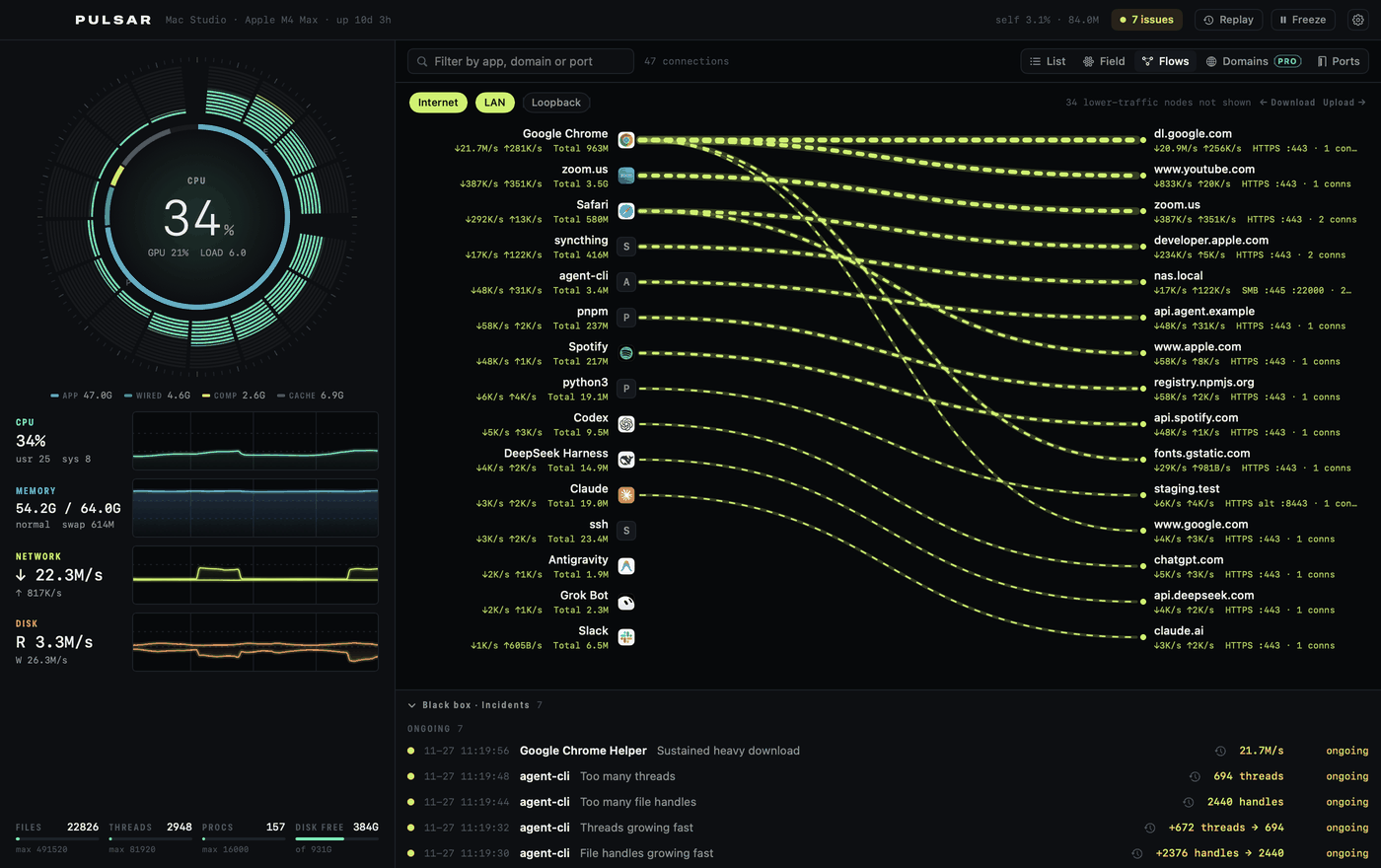
From a reverse lookup on the remote IP. Behind a fake-IP proxy such as Surge, that gives you the exact domain the app asked for. Otherwise you get the reverse DNS record, which is often a CDN or cloud hostname — Pulsar tags those PTR, so don't mistake them for the domain the app requested.
Can it show DNS queries?
No. Watching system DNS queries requires admin rights. Pulsar records the remote domain of each connection, so a name that was looked up but never connected to won't appear.
Does Pulsar use a lot of resources?
Measured on a Mac Studio (M4 Max, macOS 27.2) running nearly three thousand processes: with the screen unlocked, the list view averaged 6–8% of one core over 5-minute windows, or about 9–10% with a frequently re-ranked process selected; the field view, which runs a physics simulation every frame, about 14–20%. With nothing selected, memory in the list view stayed between 89 and 123 MB over six hours of continuous running. Usage varies with how busy the processes on your Mac are, and runs a little higher for the first ten seconds or so after launch.
Does it run on Intel Macs?
Apple Silicon only for now, on macOS 14 or later.
How does it update?
Pulsar checks for new versions on its own. Once you confirm, it downloads the update and verifies the checksum, the developer signature and Apple's notarization, in that order. Only if all three pass does it replace the old version and relaunch. You can also check manually in Settings → About, or turn automatic checks off.
What is the difference between Free and Pro?
Existing free features stay free, including the Black Box. Pro adds domain history and 7-day Replay. Buy once for permanent use and all future Pulsar updates, including major versions. Pro supports 2 Macs at a time; Supporter includes the same features and updates for up to 5 Macs. Download to try Pro free for 7 days, with no account needed. The free edition remains available afterward.